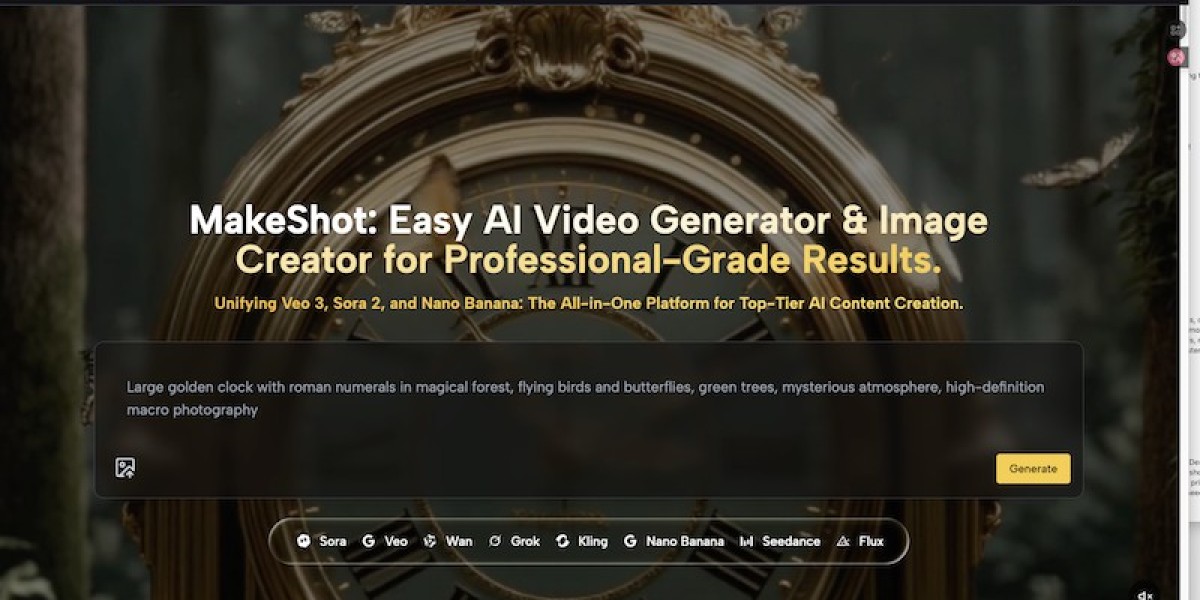

We’ve all been there. You want to share a cool snippet of code, a funny conversation, or a new app interface on social media or your blog. You hit "Print Screen," crop it, and upload it.
The result? It usually looks... flat. Or messy.
I used to spend way too much time opening heavy design software just to add a drop shadow or a nice background to my screenshots so they didn't look like raw, unfinished files.
Recently, I stumbled upon a browser-based tool that completely solved this little annoyance for me, and I just had to share it. It’s called Makeshot.ai.
Why I'm Sharing This
I’m a big fan of "single-purpose tools"—apps that do one thing extremely well. Makeshot is exactly that. It isn't trying to be Photoshop; it's just trying to make your screenshots look presentable and professional in seconds.
If you are a developer, a writer, or just someone who posts on Twitter/X or LinkedIn, you know that presentation matters. A raw screenshot gets ignored; a polished image stops the scroll.
What Does It Actually Do?
The workflow is super simple, which is why I like it:
Drag and Drop: You take your raw screenshot and drag it into the browser window at
.
Beautify: The tool automatically adds a sleek background (you can pick gradients, solid colors, or custom images).
Frame It: You can wrap your image in a device mockup (like an iPhone or a clean browser window) to give it context.
Tweak: Add padding, round the corners, or adjust the shadow intensity to fit your vibe.
My Favorite Features
No Clutter: The interface is clean. You don't need to watch a tutorial to figure out how to use it.
Professional Gradients: You know those trendy, colorful gradients you see on Product Hunt or tech blogs? Makeshot has a library of them ready to use.
Privacy: It works right in your browser. I appreciate not having to install suspicious software just to edit an image.
Who Is This For?
Bloggers: Use it to create consistent featured images for your tutorials.
Developers: Showcase your code snippets or app previews nicely on GitHub or Twitter.
Social Media Managers: Turn a boring text post or review into a visually appealing image card.
Final Thoughts
There are plenty of design tools out there, but sometimes you don't need a Swiss Army knife; you just need a bottle opener. Makeshot.ai is that bottle opener for screenshots.
It’s fast, it makes my content look 10x better with zero effort, and it saves me from firing up complex design software for a 5-second task.
If you want to upgrade your visual game without learning graphic design, give it a spin.
? Check it out here: https://makeshot.ai/










